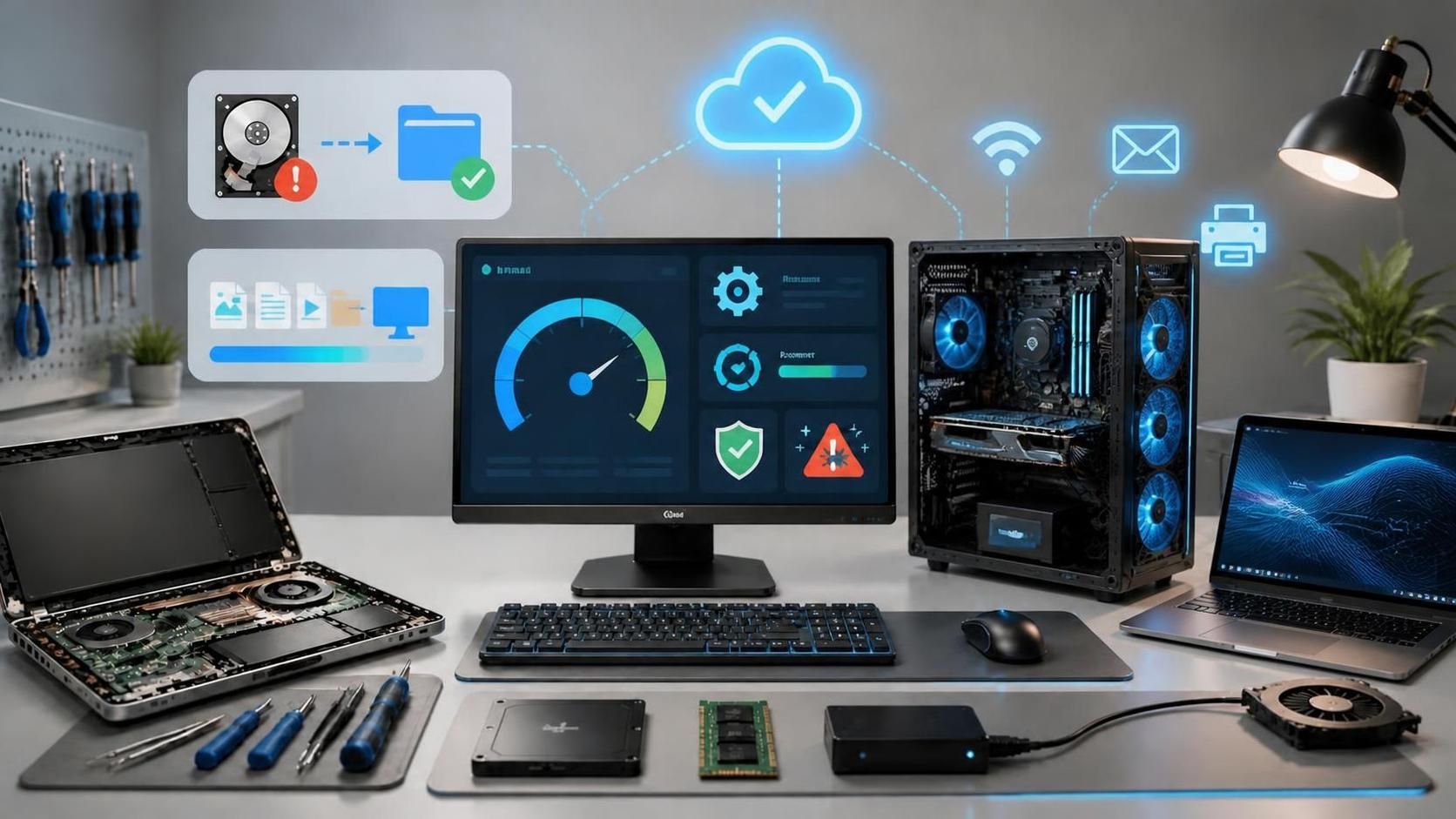
Performance & software
- Slow startup and freezing
- Virus, malware, and pop-up cleanup
- Windows and macOS updates gone wrong
- Software installs and setup
Dallas service hours belowLake Highlands, Dallas
INDEPENDENT COMPUTER REPAIR · DALLAS · SINCE 2006
World Tech Force has repaired PCs and Macs and kept small offices running across Dallas since 2006. Thorough diagnosis, fair pricing, and a clear explanation before any work begins.
Three kinds of work, done by the same careful hands. From one laptop that will not start to the systems that keep a small office moving.
Home · Students · Seniors
Slow, crashing, won’t boot, cracked screen, virus scare. Windows PCs and Macs, laptops and desktops.
Offices · Shops · Practices
Workstations, networks, backups and the maintenance that keeps Monday morning boring.
Creators · Gamers · Planners
A machine specced for how you actually work or play — and straight answers before you buy.
Computer repair
Laptops and desktops, Windows and Apple. We track down the real cause, protect your files, and tell you plainly whether a repair makes sense.
A straight answer
If a repair would cost more than the machine is worth, we will say so — and help you move your files to whatever comes next.
Good to know
Small-business IT
For offices, shops, and practices that need a dependable tech person — not a call center. Proactive maintenance so problems get caught before they cost you a workday.
Consistent support
Someone who already knows your setup means less explaining and faster fixes when something does go sideways. Support is available on-site across Dallas and remotely for quick fixes.
Customized Builds
Gaming rigs, editing workstations, quiet office towers. We spec parts around your real needs and budget — and give straight advice before you spend a dollar.
Good advice includes what to skip
If a new drive or more memory gets you where you need to be, we will say that before suggesting a whole new build.
Build questions, answered
Bring your own parts for assembly and testing, or get help refining a parts list first. Technology consulting can be a standalone service. We also upgrade existing PCs, from storage and memory to graphics cards and cooling.
Call, text, or send the form. Plain words are fine — “it makes a clicking noise” is useful.
We find the actual cause, not just the symptom, and check your data is safe.
You hear what is wrong, your options, and a fair price before any work starts.
You get your machine back with a clear rundown of what was done and why.
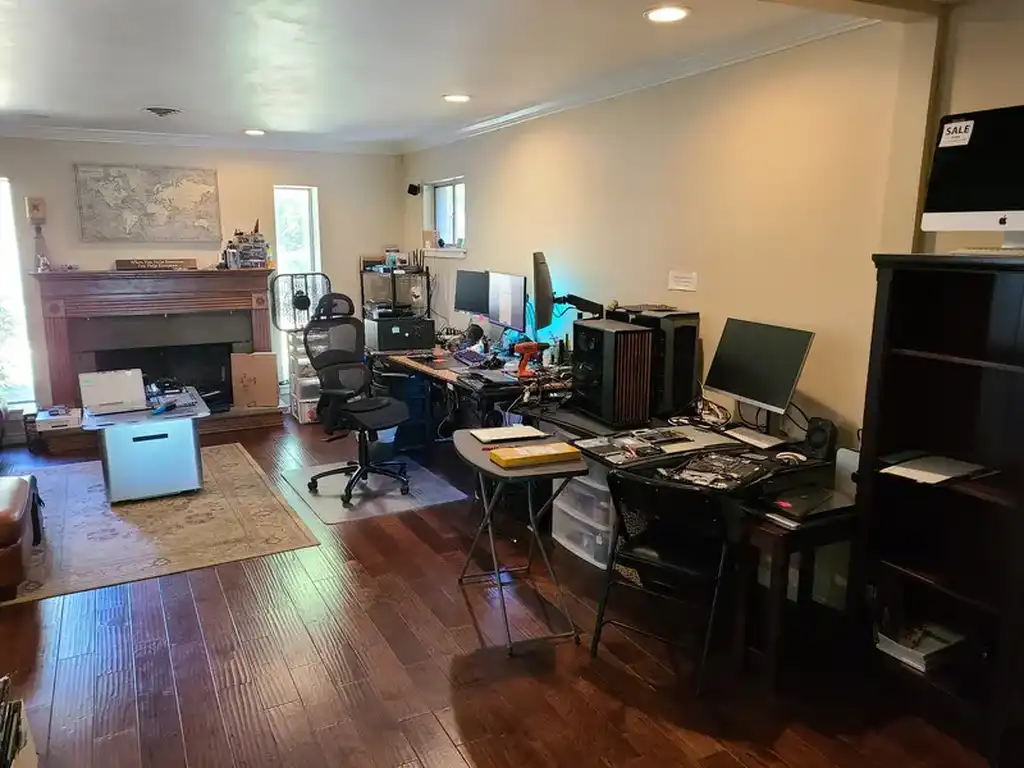
Edgerton DrThe actual workshop. Real benches, real projects.
OUR STORY
World Tech Force started in 2006 with a simple idea: people deserve a computer person they can actually talk to.
Josh founded the business in Dallas to offer something the big-box counters often do not — time. Time to diagnose properly, time to explain what went wrong, and time to make sure you leave understanding your own machine a little better.
Since then, the work has grown from fixing neighbors’ laptops to supporting small offices across Dallas, building custom PCs, and helping families, students, and older adults stay confident with their technology. The workshop sits in Lake Highlands on Edgerton Drive. It is not a showroom — it is a working space, full of machines mid-repair and builds mid-assembly. That is where the work happens.
Find the real cause. Test the fix. Do it once.
Your told costs and why before work starts.
Plain English, no jargon, no talking down.
The solution that fits your life, not the priciest one.
CONTACT
Describe the problem in your own words. Josh reads every inquiry and replies with an honest take on what it likely is and what fixing it involves.